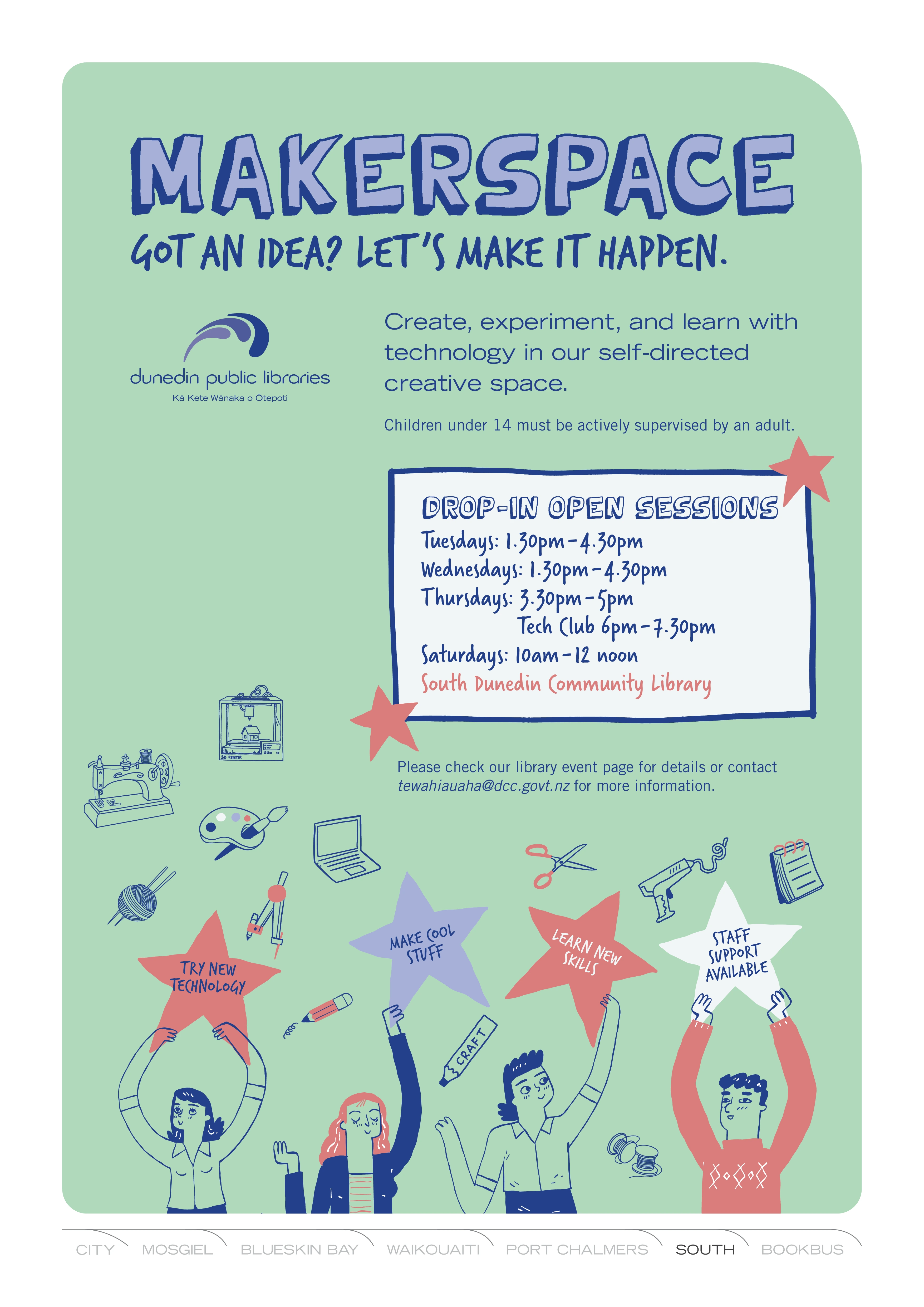
Te Wāhi Auaha Makerspace
What is a makerspace?
Te Wāhi Auaha is a creative community space where ideas become reality. We provide access to tools and technology including 3D printers, a laser etcher, sewing machines, an overlocker, Cricut, Silhouette cutters, a heat press, and a vinyl cutters.
Open to beginners and experienced makers alike, our goal is to reduce barriers to technology and encourage learning through shared experiences. Explore, experiment, and create with support from our knowledgeable staff and engaging programmes.
Access
The purpose of our service is to support prototyping and projects for personal use and not for commercial sale as we are a non-commercial organisation.
Please note: as this is a self-directed learning environment, we ask that any children under 14 years of age have an adult guiding and working with them in the space. We create opportunities for access to our younger patrons during school holiday programming.
Walk-ins are welcome during open sessions to utilise the equipment and work on your project. Appointments for one-on-one guidance can be arranged with our makerspace coordinators—email us to discuss your project at tewahiauaha@dcc.govt.nz.
Equipment & Usage
- 3D Printers: Bambu P1S and A1 Mini - suitable for a wide range of projects, including prototypes, small functional items, creative models, and learning-focused designs.
- F1 Ultra Laser Etcher - this is a compact laser cutter and engraver for creating detailed designs on materials like wood, metals, and leather. Ideal for small projects but requires time to learn, set up, and practise with for safe, effective use.
- Sewing Machines (Janome TM16, Singer 4411) & Overlocker (Janome My Lock 644D) - great for textile projects and repairs.
- Cricut & Silhouette - Digital cutting machines used to create precise designs from materials such as paper, vinyl, cardstock, and iron-on (heat transfer) vinyl.
- Sublimation Printer - Print out your design with sublimation ink, then heat press onto your light-coloured items.
- Heat Press - for use with Heat Transfer Vinyl (HTV) and Cricut or Silhouette.
- Dremel and Soldering equipment available for experienced users.
We encourage safe, respectful use of all equipment and provide guidance to help you succeed. Material use may incur a small fee, but you’re welcome to bring your own materials if they meet machine requirements.
Guidelines
Please follow safety protocols and respect other users. We cannot support projects involving weapons, unsafe or illegal materials, or those infringing intellectual property rights. Our space is inclusive and dedicated to positive creativity.
Hours (from 12 October 2026)
Phase 2 Drop-in Open Sessions:
Tuesdays: 1.30pm-4.30pm
Wednesdays: 1.30pm-4.30pm
Thursdays: 3.30pm-5pm
Thursday Tech Club: 6pm-7.30pm
Saturdays: 10am-12 noon
Monday & Friday: reserved for bookings, planning, and maintenance
PLEASE NOTE: Open Sessions do not run during school holidays. Please check our events page for school holiday programming for rangatahi.
Terms & Conditions
Dunedin Public Libraries reserves the right to decline any request that breaches guidelines or policies. Makerspace equipment may not be used to create:
- Objects/images prohibited by law, including gang insignia
- Objectionable, discriminatory, or inappropriate content
- Unsafe, harmful, or dangerous items (including weapons)
- Items infringing copyright, patent, or trademark rights
- Commercial production (prototypes welcome)
The library reserves the right to refuse any 3D print request.